
 Sara AI
Find information
Ask about the weather, search the web or read a website. These tools require an internet connection.
Sara AI is an optional assistant in the start menu. Ask a question, find information or complete a supported task using tools you allow.
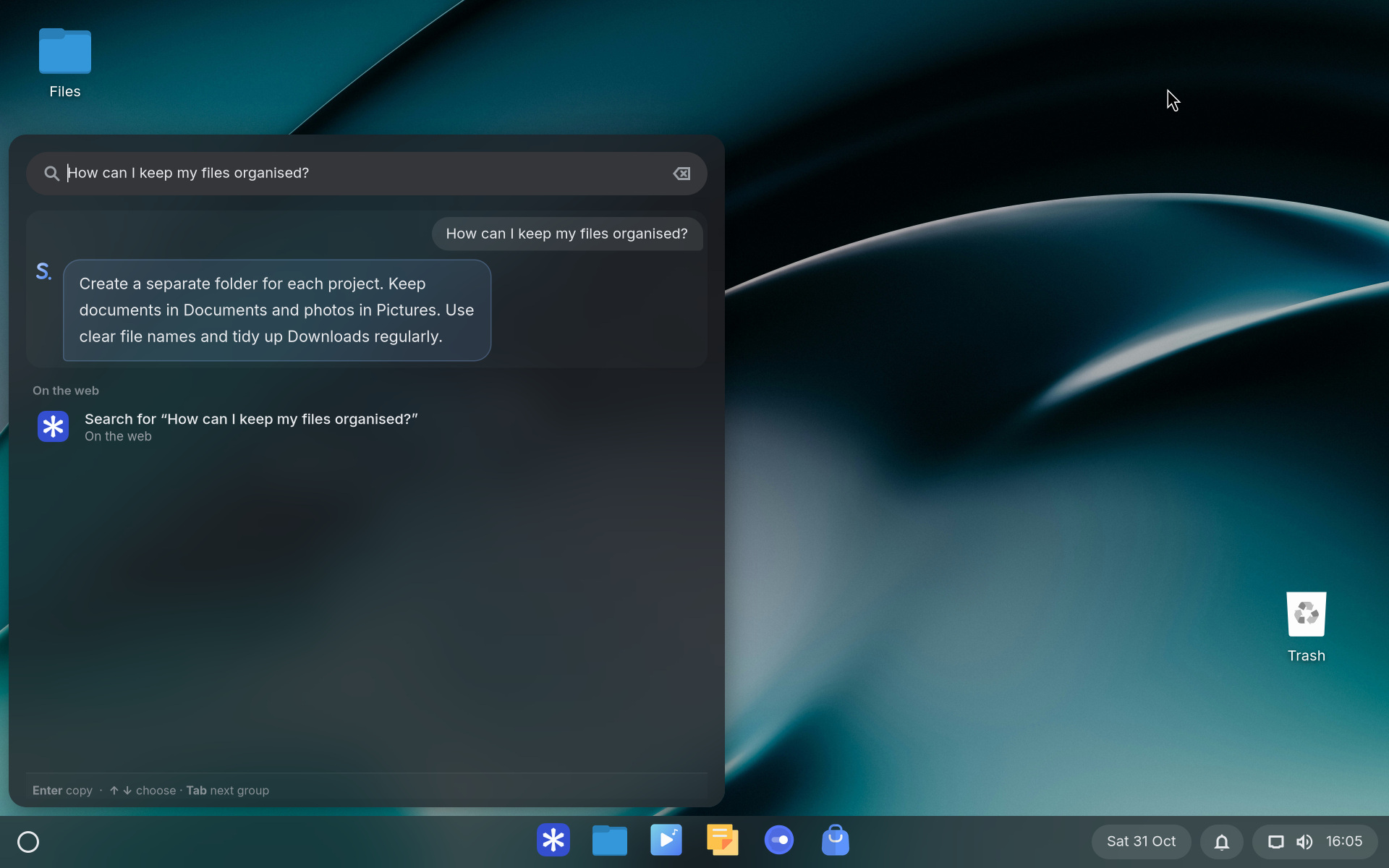
Ask about the weather, search the web or read a website. These tools require an internet connection.
Open an app, find a file or change a supported setting. Availability depends on your permission settings.
Ask questions about what is on your screen. Screen access is controlled separately.
Open Software → AI assistants to install Sara. The download includes the language model and required software and uses several gigabytes of storage. We recommend 16 GB of memory for Sara AI.
Then review the options in Settings → Sara AI. Sara OS can be used without the assistant.
The language model processes your questions on the laptop. Online tools still connect to external services. A search query or location may be shared with the service being used.
In Settings, manage access to apps, files, websites, email and screen content. Review these permissions before enabling tools.
AI can make mistakes. Check important information and review proposed actions before carrying them out. Quality and speed depend on the model, your hardware and the question.
