
 The system
Helium browser
A Chromium-based browser for websites, web apps and PDFs. Helium is included by default.
Sara OS brings the desktop, built-in applications and settings together in one environment, built on Arch Linux.
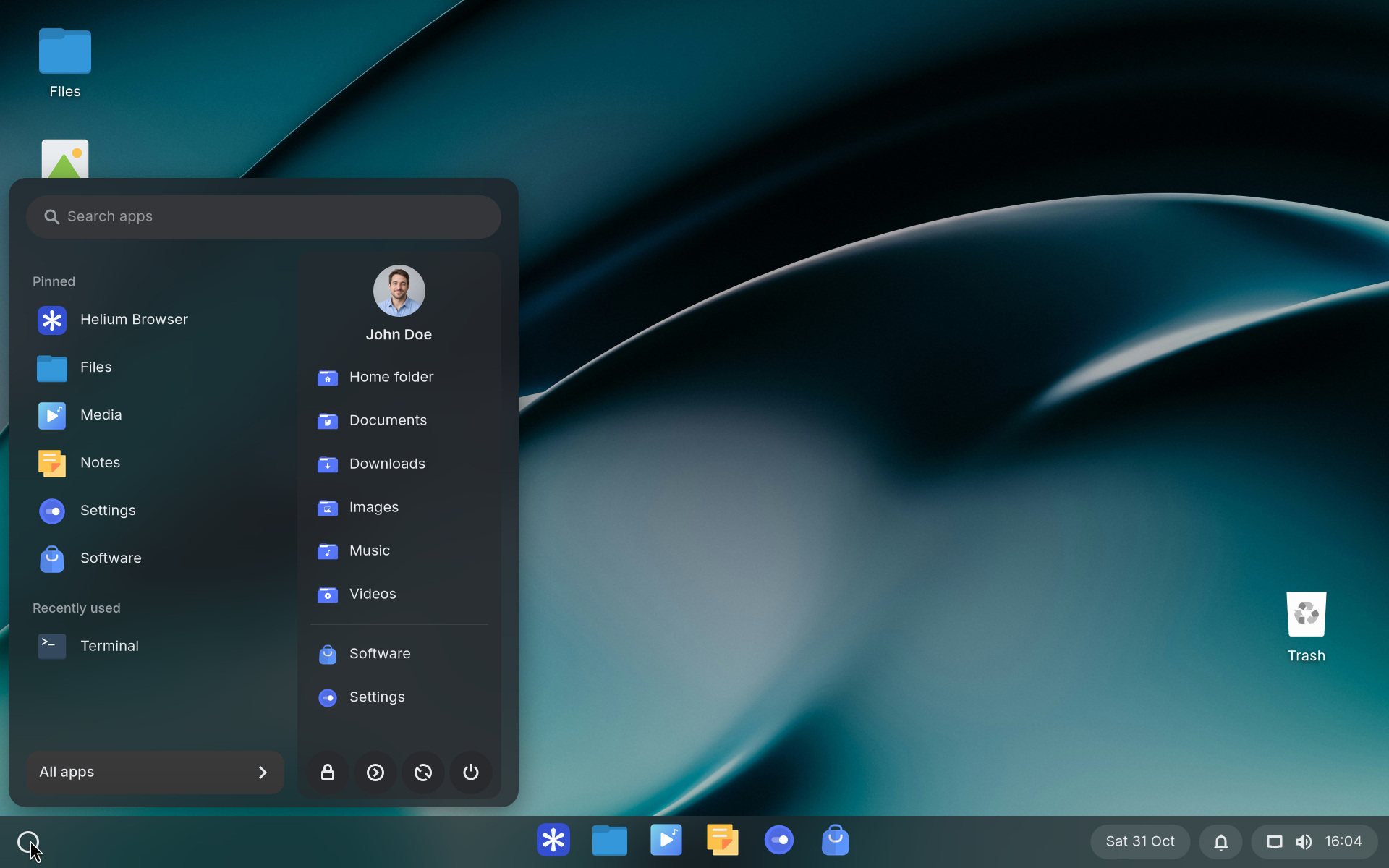
Pin apps to the taskbar, preview windows and press Super+Tab to open the window overview. Use workspaces to separate projects or tasks.
A Chromium-based browser for websites, web apps and PDFs. Helium is included by default.
Manage files on your laptop, external drives and connected network locations.
View images, listen to your music and play video files.
Edit text files and keep short notes.
Open archives and create a bootable USB drive from an installation image.
Find, install and manage additional apps from Flathub. Review the permissions each app requests.
Choose a wallpaper, light or dark appearance, and your taskbar and start menu layout.
Manage Wi-Fi, Bluetooth, printers, sound and displays from one application.
Choose a power profile, review running apps and check available updates.
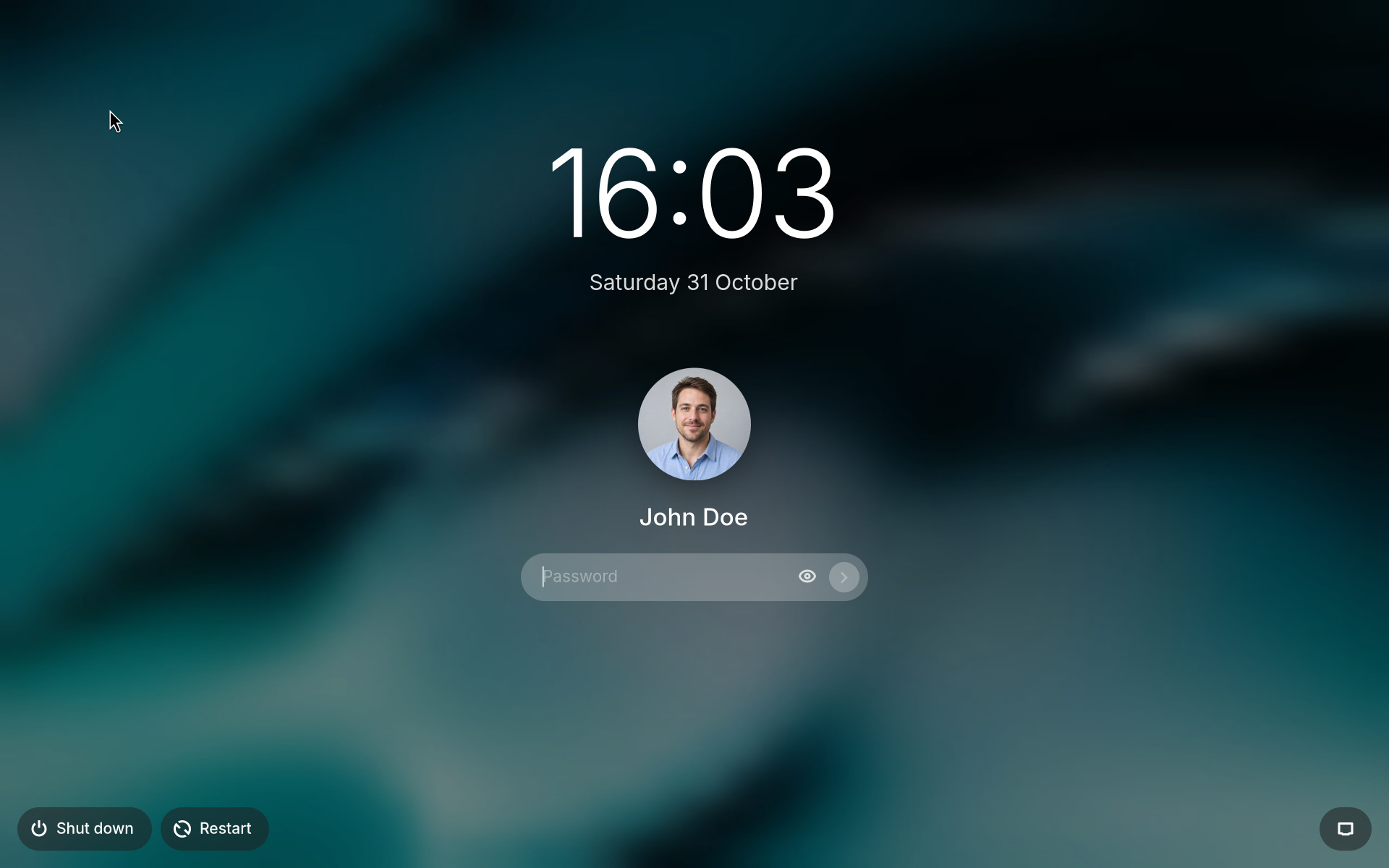
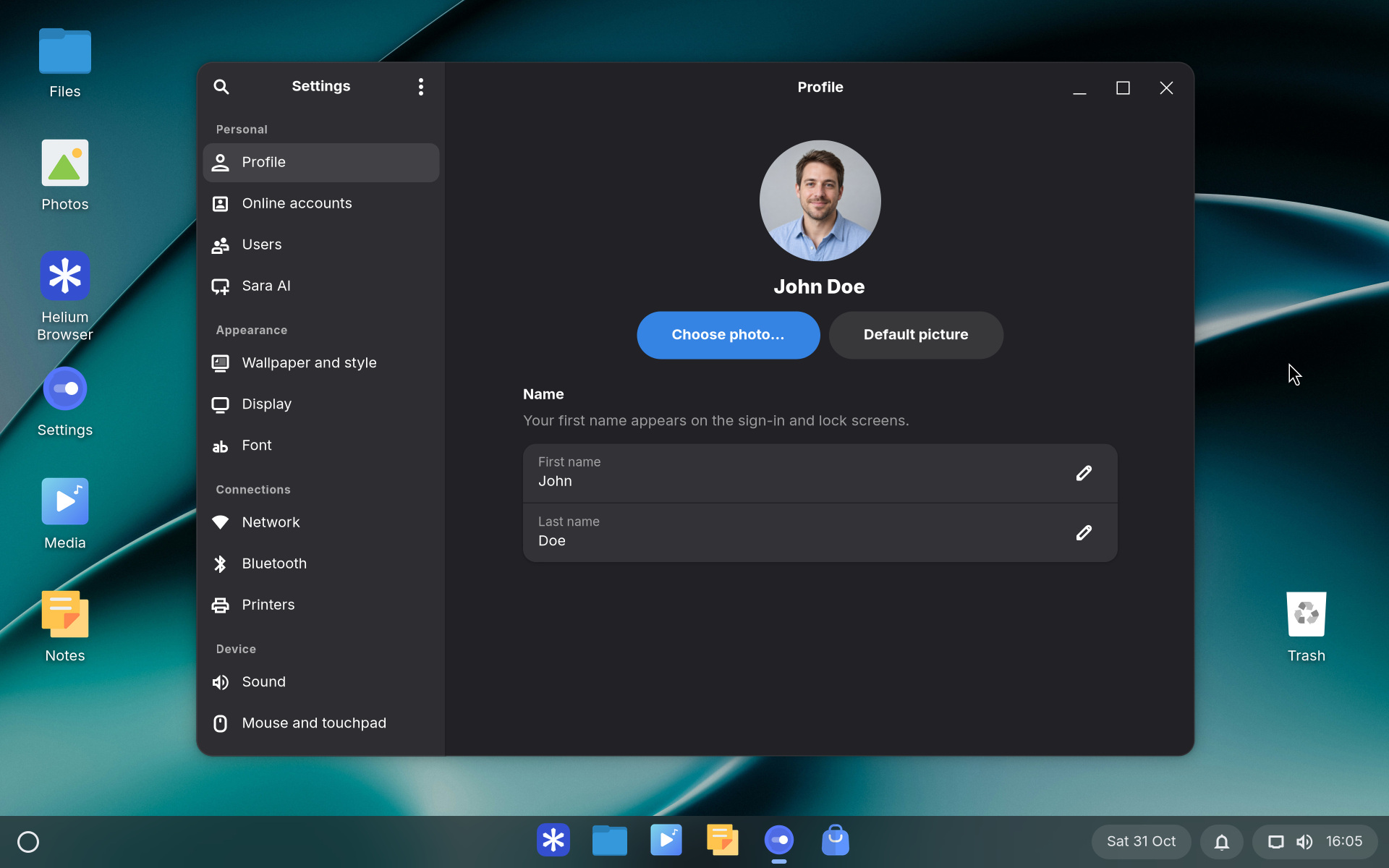
Sara OS uses Arch Linux, the labwc Wayland compositor and GTK for its built-in applications. System components are updated through package repositories; Sara OS releases are digitally signed.
A restore point is created before a system update. The firewall restricts incoming connections by default. Keep a separate backup of your personal files.
Learn about updatesSara OS is designed as a lightweight desktop. In our test installation, the running system used approximately 850 MB of RAM after sign-in, including the Linux kernel, desktop and background services.
Browsers, applications and Sara AI use additional memory. We recommend 8 GB of RAM for everyday use and 16 GB for Sara AI.
Measured on 31 October 2026 using Sara OS 1.2.7 in QEMU/KVM: 4 virtual CPUs, 4 GB of RAM and standard virtual graphics. The system was rebooted after installation. No browser, foreground applications or AI model was running.
Three samples were taken 20 seconds apart. RAM use was calculated as MemTotal − MemAvailable from /proc/meminfo, which accounts for memory the kernel can reclaim. Results were 828,186,624, 848,359,424 and 849,616,896 bytes, rounded to approximately 850 MB. Hardware, display settings, drivers and services affect memory use.
Download the measurement dataSara OS offers a familiar desktop for users looking for an independent alternative to ChromeOS Flex or Googlebook OS. Run web apps in Helium alongside native Linux applications, use a local account and choose whether to install the AI assistant.


